

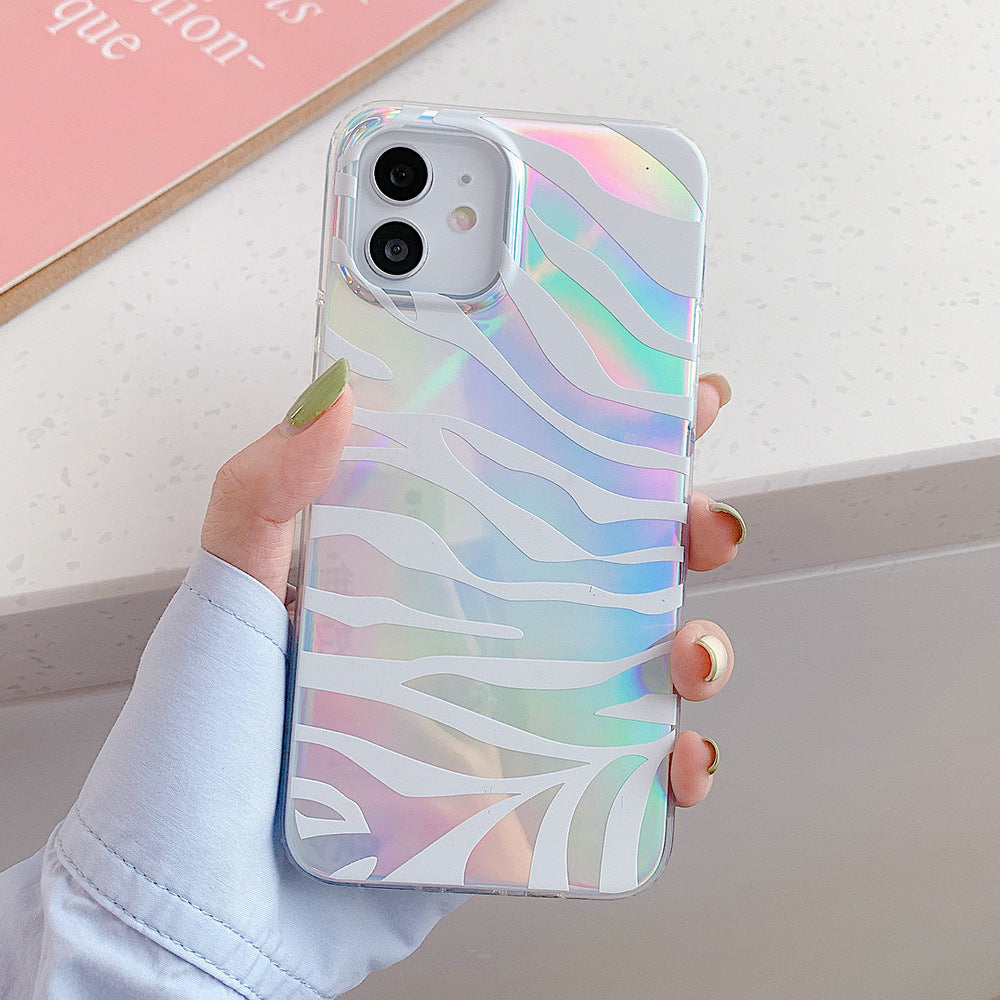
Ordering an iPhone case should be simple, but model names can be easy to confuse. A case made for one generation may look close to another while placing the camera opening, buttons or dimensions in a different position. A quick check before checkout helps you choose the correct option the first time.
1. Find the exact iPhone model
On many iPhones, open Settings, choose General, then About. Look for the model name. If you use a case already, remove it before checking the physical shape and camera layout.
Do not rely only on screen size. Different iPhones can share a similar screen measurement while using a different body or camera design.
2. Read the full variant name
A product option may combine a design code and a phone model. For example, “A / iPhone 12 Pro” means pattern A for that exact device. Confirm both parts before adding the item to your cart.
3. Check the camera and button layout
Product images can help you compare the camera opening and side-button placement. The selected variant should match your phone, not just the pattern you prefer.
4. Think about the material and finish
Flexible silicone cases are designed to fit around the phone as a rear cover. Reflective or holographic finishes change appearance with light and viewing angle, so product photos may look slightly different across screens and lighting conditions.
5. Review your choice at checkout
Before paying, review the full variant name in the cart. If the model or design is wrong, return to the product page and select the correct option.
Shop with less guesswork
Our Holographic Zebra iPhone Case lists compatible iPhone options directly in the selector. Choose your pattern and exact model, then review the cart before checkout.
Browse more chargers, audio, displays and phone accessories in Tech & Electronics.
If you are still unsure, contact Guanawear before ordering and tell us the phone model shown in your settings.


